Course Rating/Comments Widget
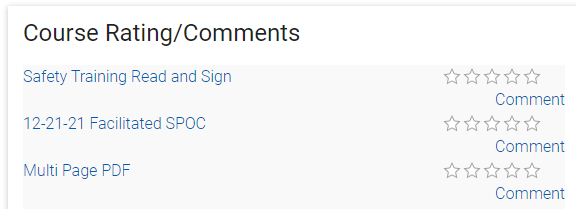
This widget shows courses that the user has recently completed and that they now need to rate and comment on. Once the user has rated the course it will no longer appear here.
Settings Tab
The Settings tab allows you to customize the text and display.
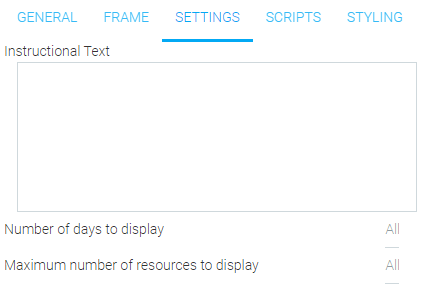
- Instructional Text
- Enter text directing users how to complete a rating.
- Number of Days to Display
- Enter the number of days that a course title should be displayed once the user has completed the course. The default “all” means that the course title will display until the user enters a rating.
- Maximum Number of Resources to Display
- Enter the maximum number of resources that should be listed for the user to rate. The default “all” will list all completed courses that have not yet been rated by the user.
Related Links
Discussion Groups
Follower List
My Blogs
My ShareSpace
Recent Blogs
Social Blogs
Social Feed
Social Group
Social Wall Status Post